



Skip to content
View in the app

A better way to browse. Learn more.

Police Community

A full-screen app on your home screen with push notifications, badges and more.

To install this app on iOS and iPadOS
  1. Tap the Share icon in Safari
  2. Scroll the menu and tap Add to Home Screen.
  3. Tap Add in the top-right corner.
To install this app on Android
  1. Tap the 3-dot menu (⋮) in the top-right corner of the browser.
  2. Tap Add to Home screen or Install app.
  3. Confirm by tapping Install.

PolCom Fitness Topics

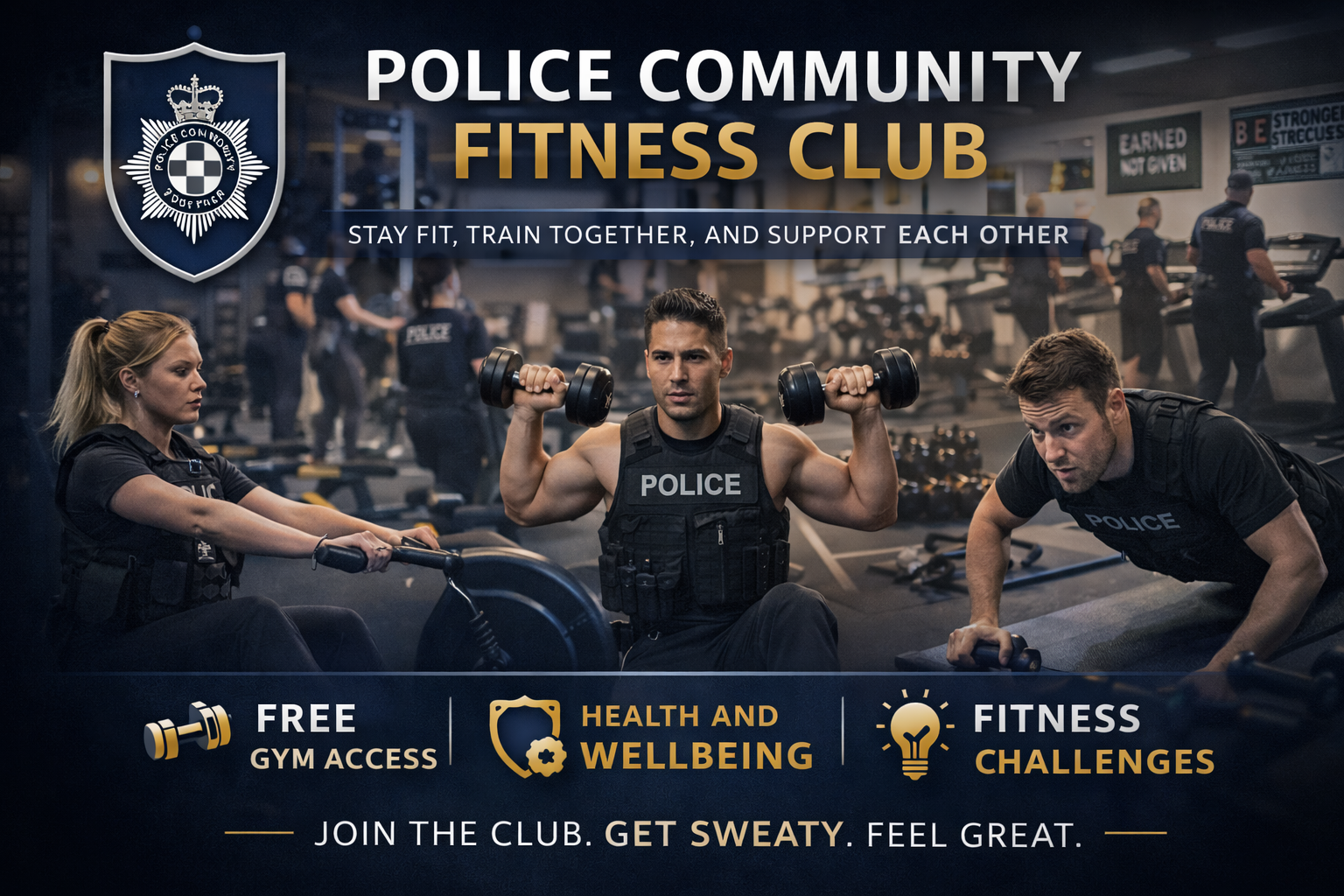
For any of your own discussions relating to fitness.

  1. Collar
  2. Sir Penguin
    Started by Sir Penguin,

    I've recently started back at the gym after a few months break over summer, but I also want to try and incorporate some fitness into my routine. I've been out running a few times but find it incredibly boring. For those who enjoy exercising, what is your favourite type of exercise?

Account

Navigation

Search

Search

Configure browser push notifications

Chrome (Android)
  1. Tap the lock icon next to the address bar.
  2. Tap Permissions → Notifications.
  3. Adjust your preference.
Chrome (Desktop)
  1. Click the padlock icon in the address bar.
  2. Select Site settings.
  3. Find Notifications and adjust your preference.