Skip to content
View in the app

A better way to browse. Learn more.

Police Community

A full-screen app on your home screen with push notifications, badges and more.

To install this app on iOS and iPadOS
  1. Tap the Share icon in Safari
  2. Scroll the menu and tap Add to Home Screen.
  3. Tap Add in the top-right corner.
To install this app on Android
  1. Tap the 3-dot menu (⋮) in the top-right corner of the browser.
  2. Tap Add to Home screen or Install app.
  3. Confirm by tapping Install.
A blog by Ironic + in General
  • Entries

    3
  • Comments

    0
  • Views

    7395

About this blog

A blog for a few odds and sods. From the perspective of a serving officer.


Entries in this blog

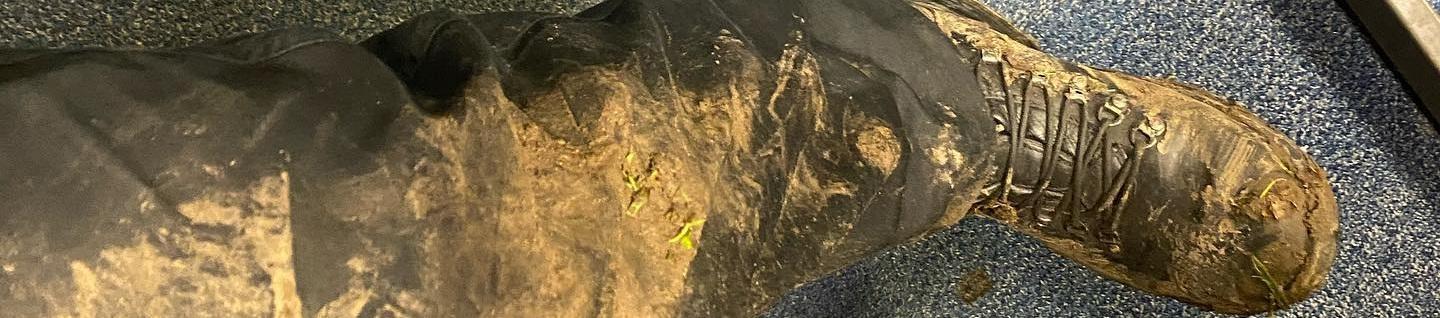
I posted a couple of these a few years ago and got some decent reception, I thought it would be nice to write a couple more of my experiences more recently. I am approaching 5 years with Thames Valley at the time of writing this.   …Sometime in January 2021. Location: [Redacted] Night shift.   ….The night is young. I tend to leave for work as late as possible. I recently moved so it is a bit of a trial and error to see how much time I can chip away at the commute be
Ironic
Tour of duty - Saturday 18th August 2018  I have served with my force for approaching 2 and a bit years. My last blog documented a ride-along in February 2016 before I joined. It is interesting reading a blog pre and post joining. It is 9 pm I begin work with a trudge to my night shift.  I had been on the rota to be doing a late shift but was moved to cover a lack of resourcing. I am very tired. Early shifts straight into night shifts without a shift to transition body clock is a
Ironic
My first of two ride-alongs I took part in during the application process for Thames Valley Police for the role of Police Officer. A cold Friday evening in February 15:00 - 24:00 13:30 - Arrived at station, supposed to be collected at 13:40 for safety briefing. 15:00 - Actual start time, accompanying officer had a shift change and I was forgotten about. Oops!  15:30 - Signed the indemnity document, policies and a quick overview of the night's plan of action. Tonight would be
Ironic

Account

Navigation

Search

Search

Configure browser push notifications

Chrome (Android)
  1. Tap the lock icon next to the address bar.
  2. Tap Permissions → Notifications.
  3. Adjust your preference.
Chrome (Desktop)
  1. Click the padlock icon in the address bar.
  2. Select Site settings.
  3. Find Notifications and adjust your preference.
